
Fixing Google IP Geolocation 🌐❓
As anyone who runs their own networking infrastructure knows, solving one problem usually creates a weird, unexpected secondary problem.
During my recent three-week trip to China, my home VPN server was an absolute lifesaver. By routing my phone and laptop traffic back through my home network, I was able to bypass local restrictions and keep my usual access to Google services. It worked flawlessly.
At least, until I got back to Hungary.
I sat down at my desk, fired up my browser, and realized Google.com was redirecting to Google.com.hk. YouTube Premium threw an error saying it wasn’t available in my region, and Gemini straight-up refused to load. Google Support pages were even kindly auto-filling the +86 country code for me… 😱
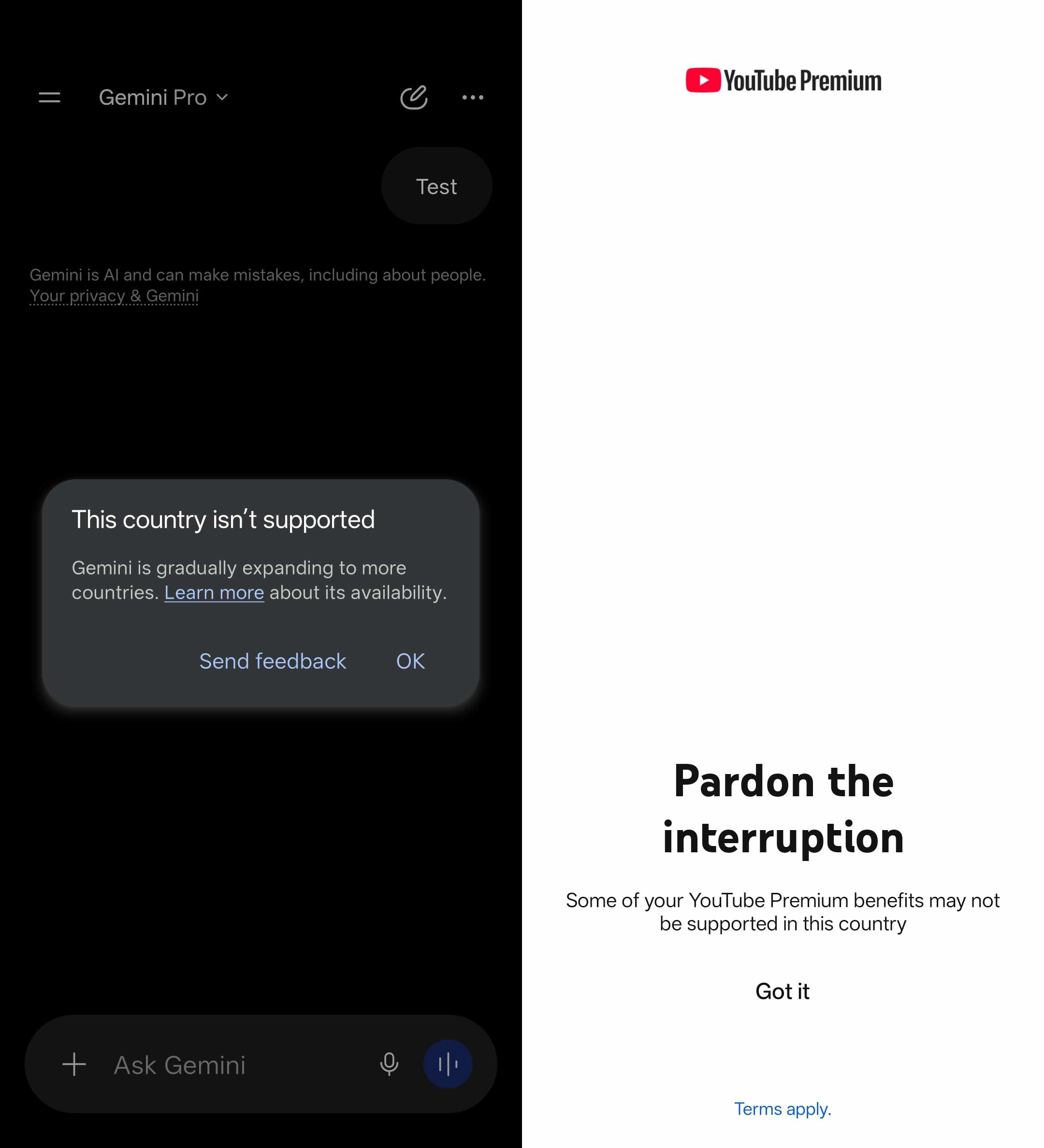
According to Google, my home IP address was still residing somewhere in China.
How the Great IP Migration Happened
Google’s geolocation backend doesn’t just rely on static IP registries; it leans heavily on crowdsourced telemetry from our mobile devices.
While I was wandering around China, my phone was constantly logging local GPS coordinates, nearby Wi-Fi networks, and cell towers. But because I was connected to my WireGuard tunnel, all of that location data was being reported to Google originating from my home IP address. Google’s algorithms noticed the correlation and dutifully updated their databases, assuming my router had been packed up and moved to Asia.
I essentially poisoned my own IP location data. 😲
How to Fix It (Without Begging the ISP for a New IP)
If you find yourself in this exact homelab predicament, you don’t need to hassle your ISP for a new lease. You just need to re-train the algorithm. Here is the two-step process I used:
1. The “Crowdsource Override” Method You need to aggressively feed Google the correct location data from your home network to overwrite the bad data.
Disconnect from VPN and connect your phone directly to your home Wi-Fi.
Turn on High Accuracy Location (Precise GPS, Wi-Fi scanning, and Bluetooth scanning).
Open Google Maps and let it pinpoint your actual, physical location.
Open Google on your mobile browser, scroll to the absolute bottom of the search results, and hit Update location.
Do this across a few devices for a couple of days. Eventually, the automated system realizes the IP is back home.
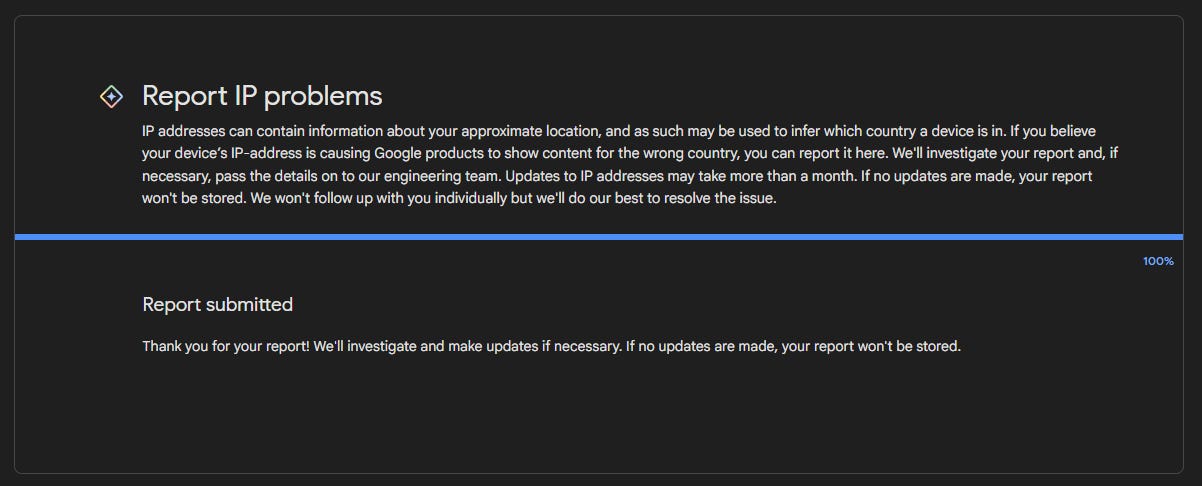
2. The Official (But Slow) IP Report Form While you wait for the telemetry to catch up, you should also file an official correction request. Google maintains a dedicated tool for reporting incorrect IP routing.
Just navigate to the Report IP problems page, submit your home IP, and wait. Google notes this can take up to a month to process, which is why the manual telemetry override above is so important.
The Temporary Search Workaround
If you are stuck waiting for the fix, you can at least get normal search results back by going to your Google Search Settings, navigating to Region Settings, and manually changing it from “Current Region” to your actual home country. It won’t fix strict checks for Gemini or YouTube Premium, but it makes basic web browsing bearable again!
Have you ever accidentally poisoned your own geolocation data? Let me know if you’ve found a faster way to force Google to flush its IP cache!